
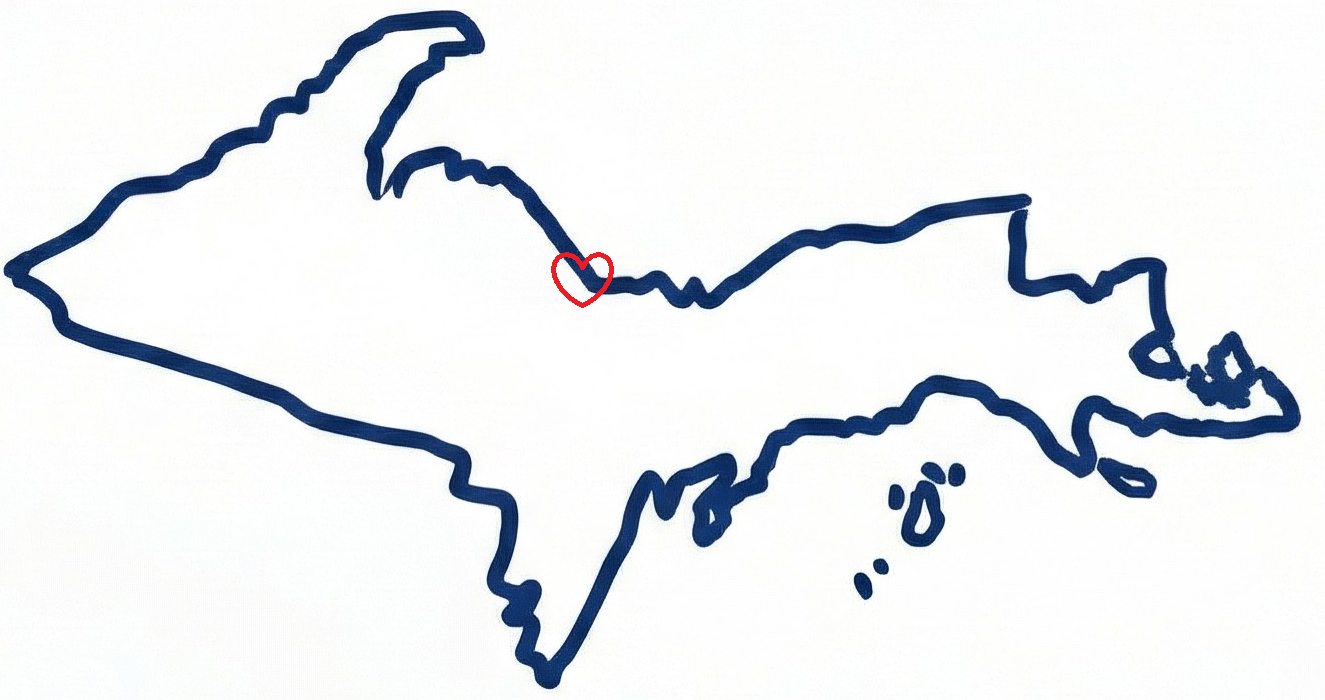
Proudly built in Marquette, MI
Magazine ads, newspaper spots, direct mail, flyers—add QR codes to any printed material and get the same tracking you expect from digital campaigns. No subspace bypass required.
No way to track how many people see and respond to your ads
Can't compare performance between different publications
Difficult to justify print ad spend without ROI data
No insight into which ad creative performs better
Create unique QR codes for each publication, location, or campaign. Track scans just like you track clicks in digital advertising.
Use different QR codes for each magazine or newspaper. See which publications drive the most engagement.
Run the same ad with different QR codes. Test headlines, offers, and designs to find winners.
Track which geographic markets respond best to your print ads. Optimize your distribution.
See how each print campaign performs over time. Make data-driven budget decisions.
Follow these simple steps to start tracking your results
Generate a different QR code for each publication, location, or campaign you want to track separately.
Incorporate the QR code into your ad design with a compelling call-to-action and clear value proposition.
Run your print ads in magazines, newspapers, direct mail pieces, flyers, or posters.
Monitor scans in real-time. See which publications, locations, and designs drive the best results.
Follow these tips for maximum results
Join thousands of businesses using QR Code 42 to measure marketing ROI
Free plan available • No credit card required • Setup in 60 seconds